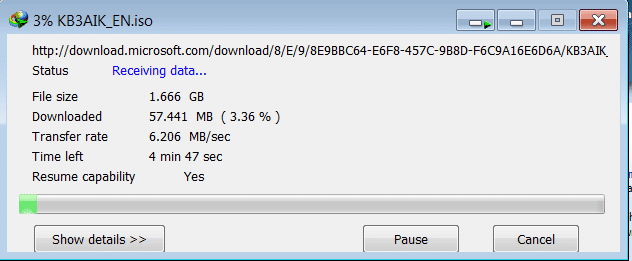
Previously I created this the manual way , but if you have a fast internet connection and can take the 1.6gb download of the AIK, then this is a much easier way of getting started.
This is not really the same as the SSW image that I created before, the SSW image was a lovely slipstreamed beauty with all the application I would ever need already preinstalled.. It was 32GB and took a very long time to setup. This will be sum what faster as it only require a base Windows Server 2008 Setup…
- Download Windows® Automated Installation Kit (AIK)
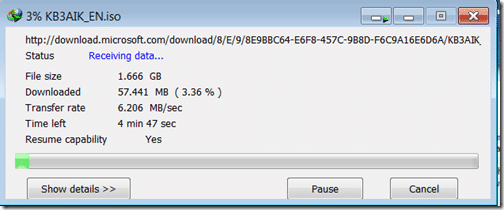 Figure: Downloading AIK, done in under 5 minutes
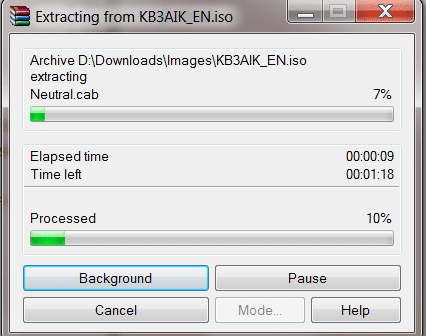
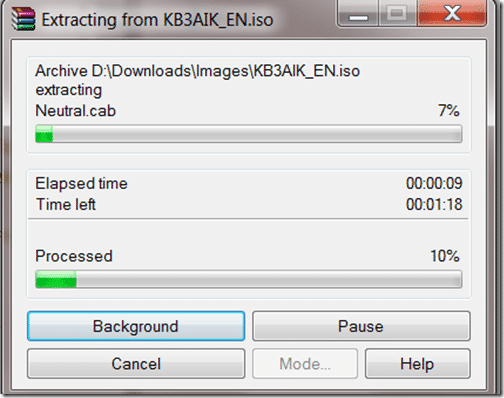 Figure: Unpack using WinRAR, don’t burn it as it is a waste of a DVD. Some applications don’t like being run from a Virtual DVD.
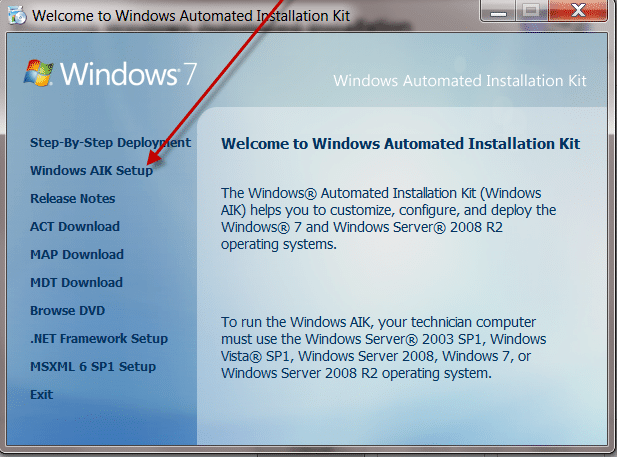
 - Install the AIK onto your local computer.
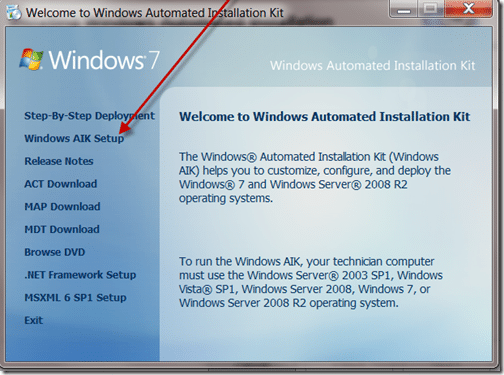 Figure: Weird setup, but what the heck…
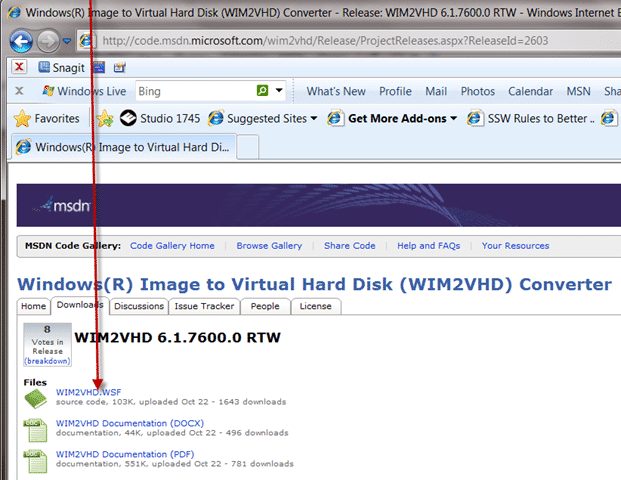
 - Download and Install Windows(R) Image to Virtual Hard Disk (WIM2VHD) Converter
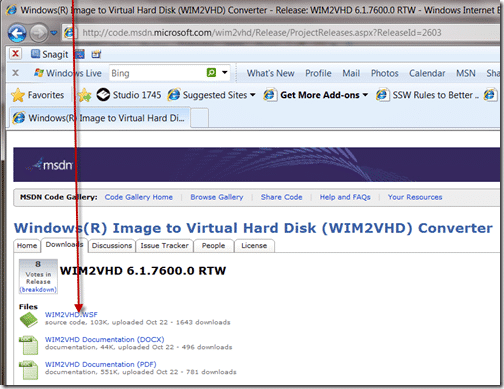 Figure: Its just a script file that you download. I would prefer if it was a command line app with an optional UI, but you can’t have everything.
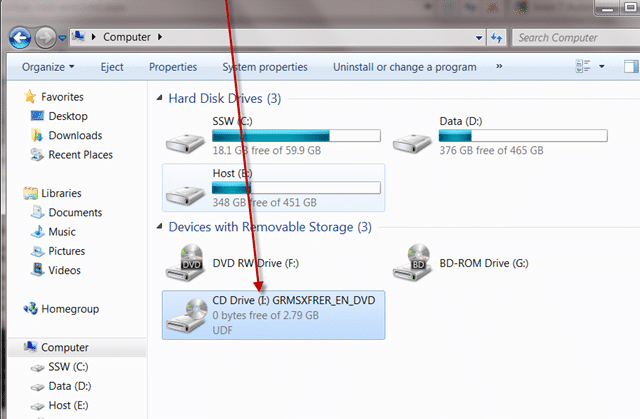
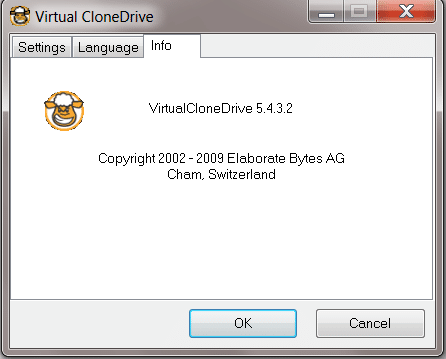
 - Mount your Windows 2008 R2 image to a Virtual DVD drive. I am using Virtual Clone Drive.
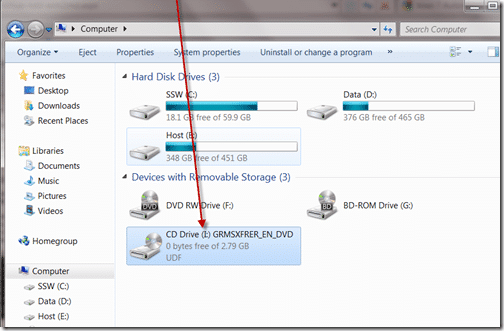 Figure: Mounted Windows 2008 R2 ready to go…
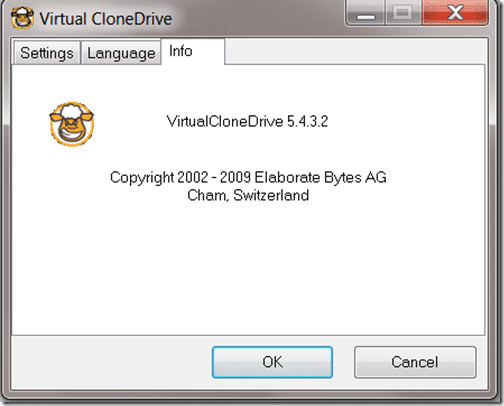 Figure: Use your favourite Virtual DVD mounting software..
  Run the script to create your VHD using a command line running as an administrator
CSCRIPT WIM2VHD.WSF /WIM:I:sourcesinstall.wim /SKU:SERVERSTANDARDCORE /VHD:D:WimBuildWinSvr2008R2OOB.vhd
Run the script to create your VHD using a command line running as an administrator
CSCRIPT WIM2VHD.WSF /WIM:I:sourcesinstall.wim /SKU:SERVERSTANDARDCORE /VHD:D:WimBuildWinSvr2008R2OOB.vhd
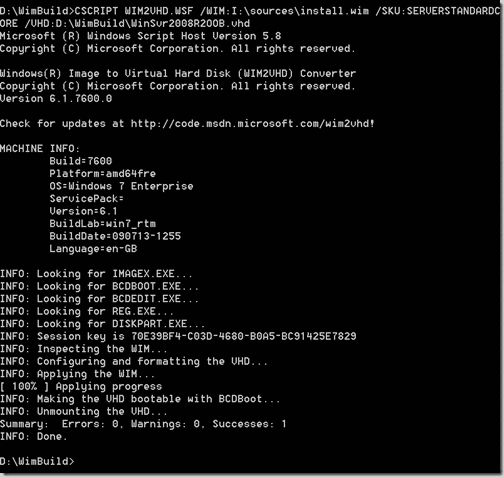
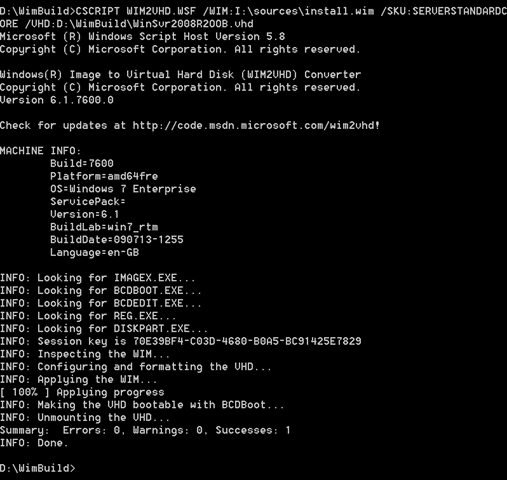
You now have a lovely Out Of Box Windows 2008 R2 VHD. I would keep a copy of this in a nice safe place so you don’t need that coffee break every time.
Whoa there… not so fast..
Did you spot my mistake?
Could it be to do with the little “SERVERSTANDARDCORE” tag?
Could it be the “CORE” bit?
I think so.. I was just wondering why my resultant VHD was only 2.5gb in size!
Doh!
Lets try that properly:
NaN.  Run the script to create your VHD using a command line running as an administrator
CSCRIPT WIM2VHD.WSF /WIM:I:sourcesinstall.wim /SKU:SERVERSTANDARD /VHD:D:WimBuildWinSvr2008R2OOB.vhd
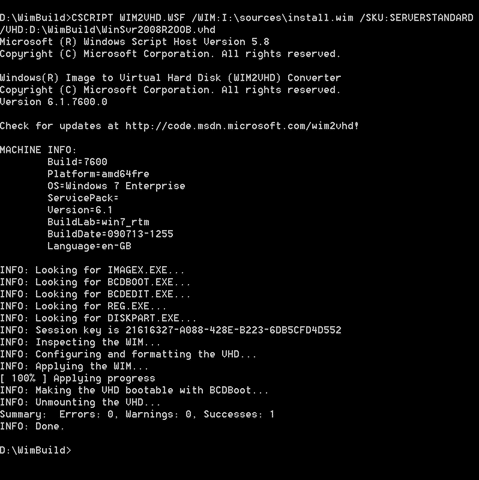
Make a copy of this file, and attach it to your boot list, and boot…
Smart Classifications
Each classification [Concepts, Categories, & Tags] was assigned using AI-powered semantic analysis and scored across relevance, depth, and alignment. Final decisions? Still human. Always traceable. Hover to see how it applies.
What to read next
Configuring a DC in Azure for AAD integrated Release Management
Step-by-step guide to setting up a Domain Controller in Azure for Active Directory integration, including VM creation, configuration, and …
Detecting agile theatre with real delivery signals
Why Most Companies Operating Models Fail in Dynamic Markets
A concise comparison of Predictive and Adaptive Operating Models, explaining why traditional structures fail in dynamic markets and how …
Don’t Manage Dependencies, Remove Them
Explains why dependencies are a sign of poor system design and outlines steps to eliminate them by aligning teams, clarifying ownership, and …
The Estimation Trap: How Tracking Accuracy Undermines Trust, Flow, and Value in Software Delivery
Tracking estimation accuracy in software delivery leads to mistrust, fear, and distorted behaviours. Focus on customer value, flow, and …
Flow of Value vs Flow of Work – Misnomer or Useful Shorthand?
Compares “flow of value” and “flow of work” in Kanban, explaining why only validated outcomes count as value and stressing the need for …
Why Outsourcing DevOps Fails, and How Real Engineering Excellence Starts With Your Team
Avoid DevOps vendor lock-in, discover how true engineering excellence starts with partnership, not outsourcing. Ready to transform your …