Installing Windows 7 is so similar to the Vista install it almost does not deserve a post on it, but as I did not do a Vista install post, and I am waiting for the install to complete, I though you should see, erm…. the nice new colours…
I am installing on a virtual environment (Virtual PC) on my desktop so any timings for the install are largely irrelevant, but my Host computer had Dual Quad core Xeon’s and some serious HDD and RAM speeds.
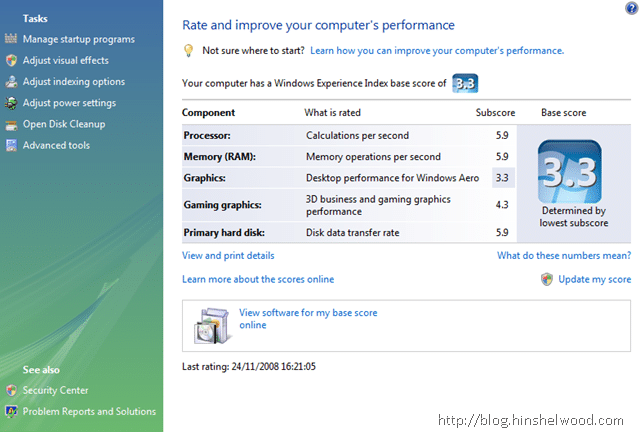
I only get a 3.3 because my graphics card is not a very expensive one…
Install
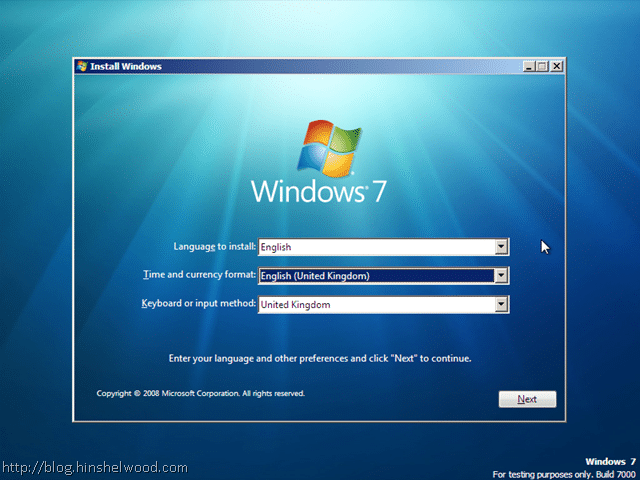
I gave the VM 1.5 GB of RAM…
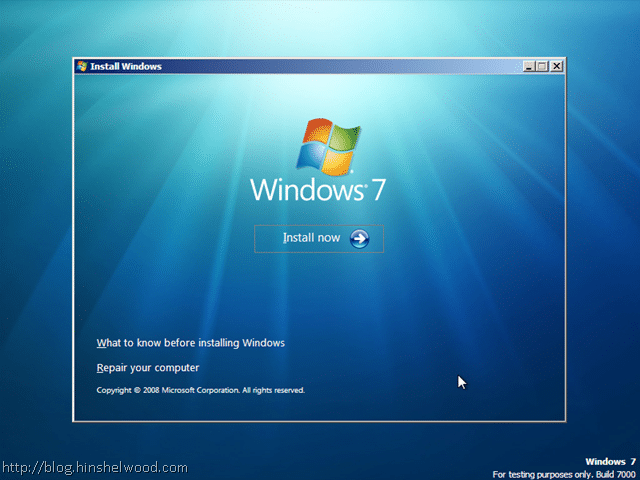
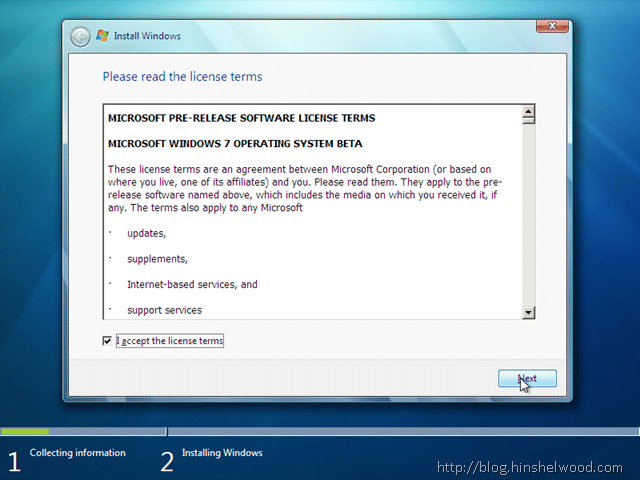
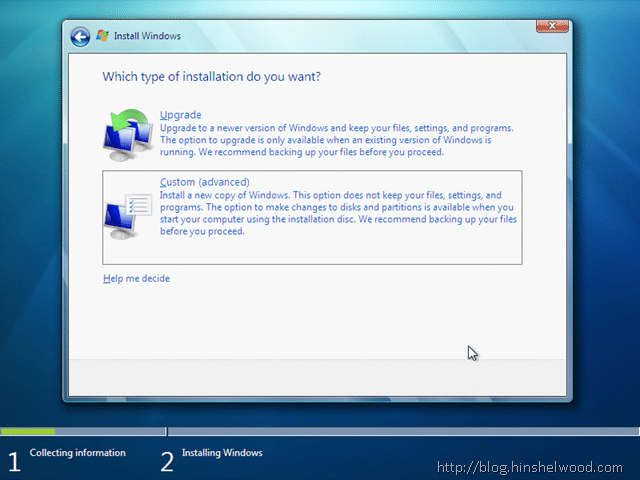
For some reason the “Upgrade” option was available! Bug maybe…
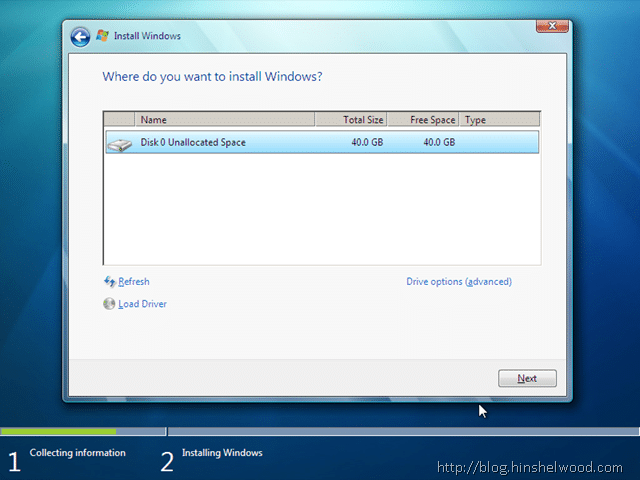
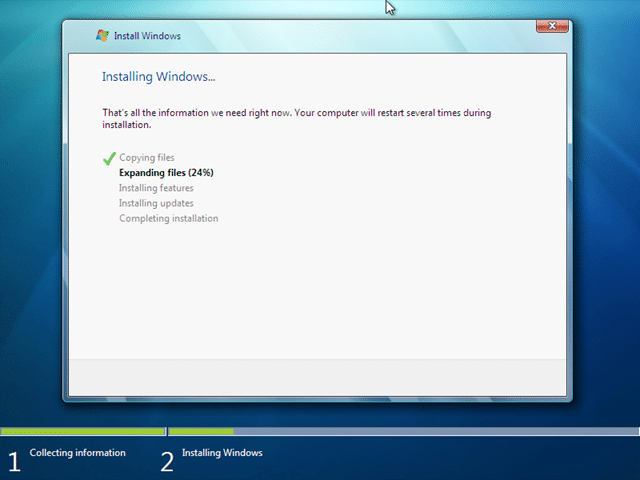
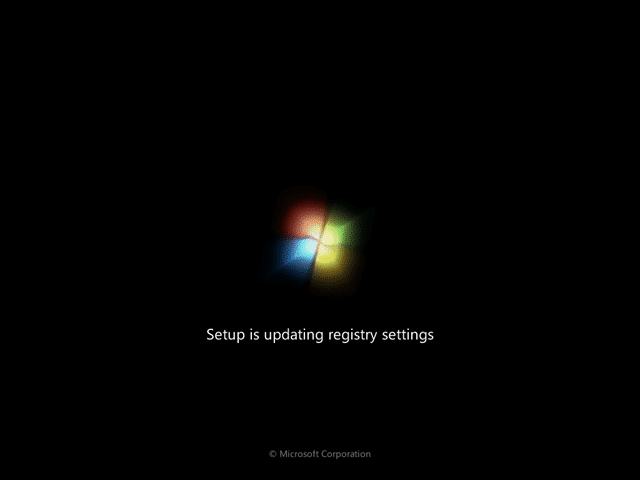
I was quite surprised to see that I got this far in around 10 minutes… I barely have time too keep up with my post!
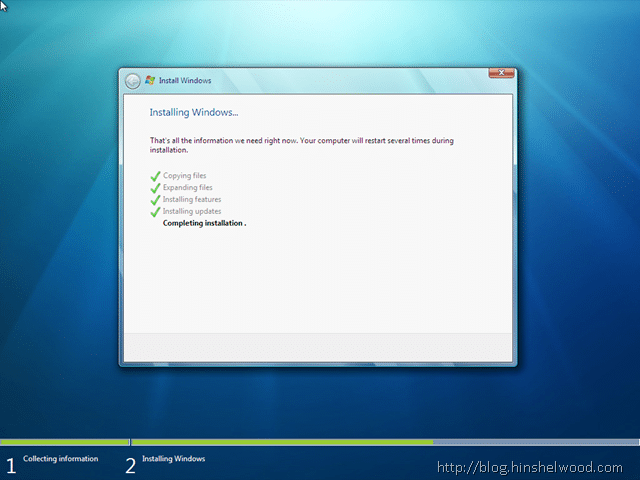
And less than 10 minutes after that!
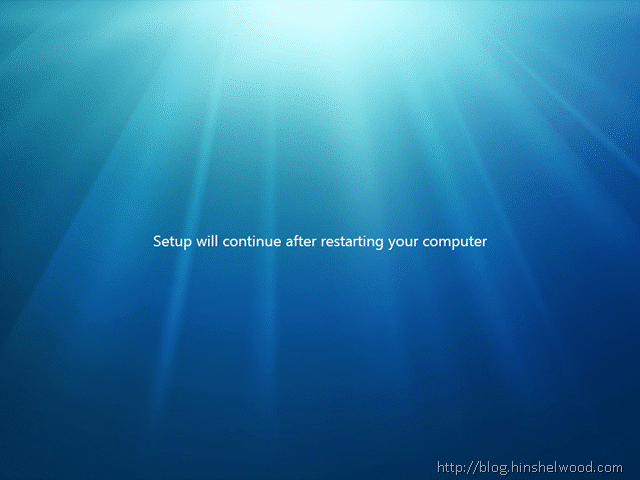
Well the install is done, now we are at fist boot..
First Boot
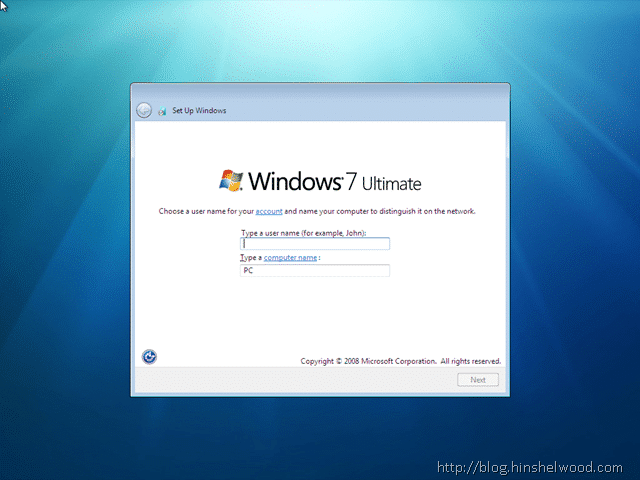
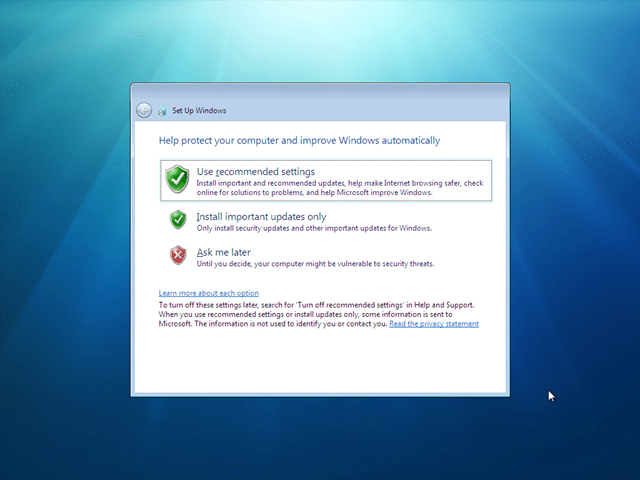
After this you will be asked for your product key, and then the standard setup questions…
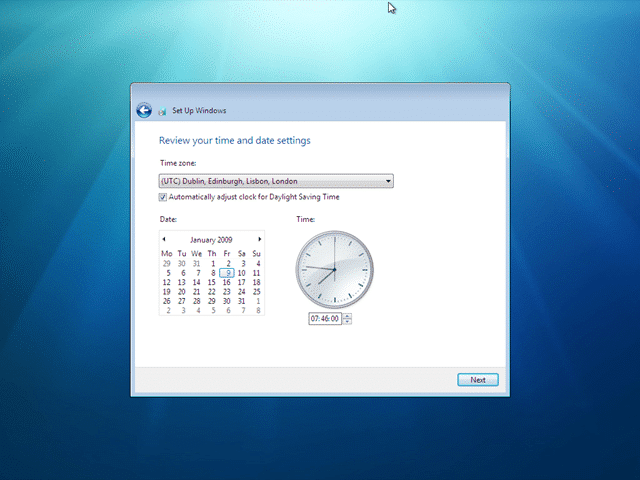
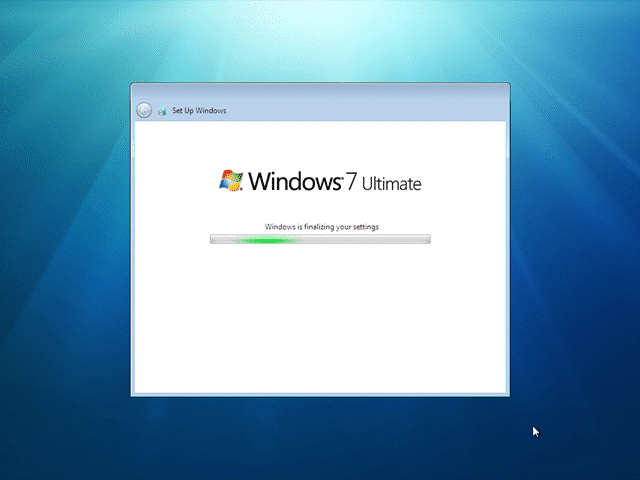
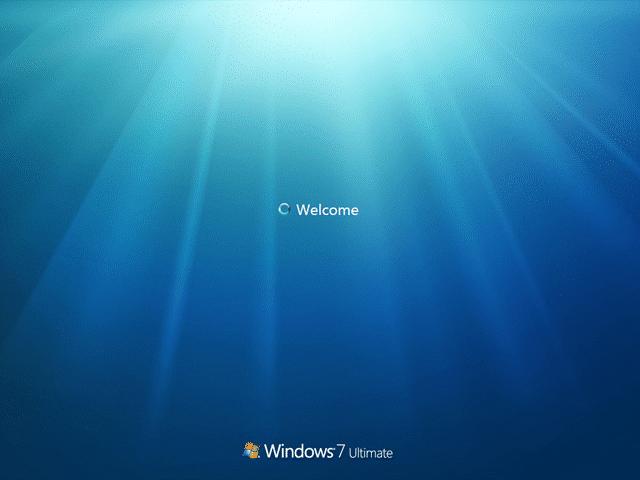
My First Windows 7 Desktop

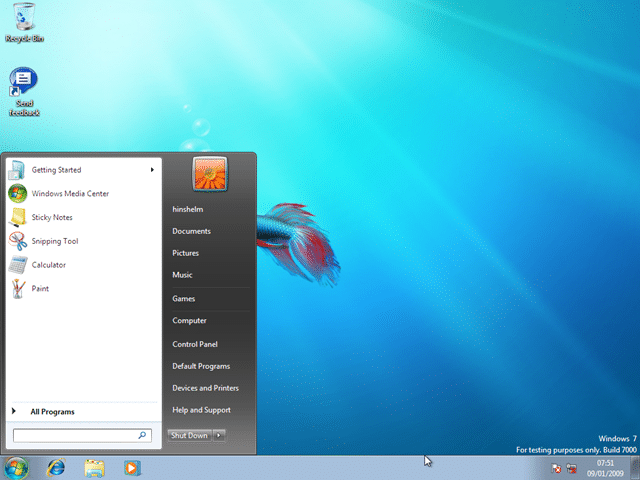
All in all, a very nice experience so far… I will probably be running at home as well, but I do not expect that install to take 25 minutes!
My computer at home is a P4 3.1Ghz with 1GB of ram… :(
Technorati Tags: Windows
Smart Classifications
Each classification [Concepts, Categories, & Tags] was assigned using AI-powered semantic analysis and scored across relevance, depth, and alignment. Final decisions? Still human. Always traceable. Hover to see how it applies.
What to read next
Detecting agile theatre with real delivery signals
Why Most Companies Operating Models Fail in Dynamic Markets
A concise comparison of Predictive and Adaptive Operating Models, explaining why traditional structures fail in dynamic markets and how …
Don’t Manage Dependencies, Remove Them
Explains why dependencies are a sign of poor system design and outlines steps to eliminate them by aligning teams, clarifying ownership, and …
The Estimation Trap: How Tracking Accuracy Undermines Trust, Flow, and Value in Software Delivery
Tracking estimation accuracy in software delivery leads to mistrust, fear, and distorted behaviours. Focus on customer value, flow, and …
Flow of Value vs Flow of Work – Misnomer or Useful Shorthand?
Compares “flow of value” and “flow of work” in Kanban, explaining why only validated outcomes count as value and stressing the need for …
Why Outsourcing DevOps Fails, and How Real Engineering Excellence Starts With Your Team
Avoid DevOps vendor lock-in, discover how true engineering excellence starts with partnership, not outsourcing. Ready to transform your …