New in Visual Studio 2010 is the ability to install TFS on XP, Vista and Windows 7. You can use SQL 2008 Express, so no large overhead, and the Basic version you use for this does have the reporting and SharePoint requirement that the main install does. That does not mean that you can’t upgrade later :)
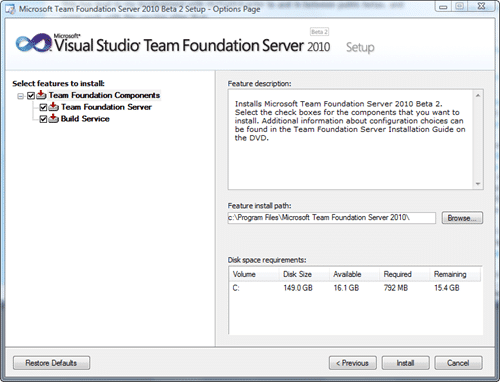
Once you have TFS2010 installed you will need to configure it…
New logo, new install. Microsoft have changed the, lets face it, horrible install, and split it into two separate pieces. Install and Configuration.
First The Install: The only options are wither you install server and build… nice…

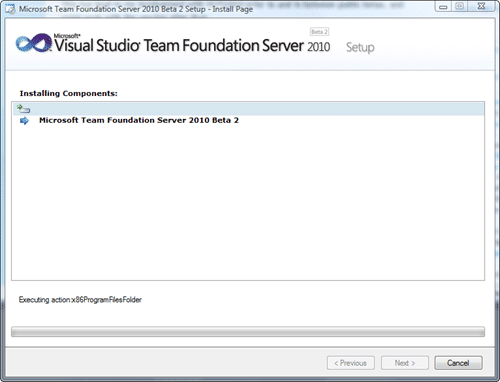

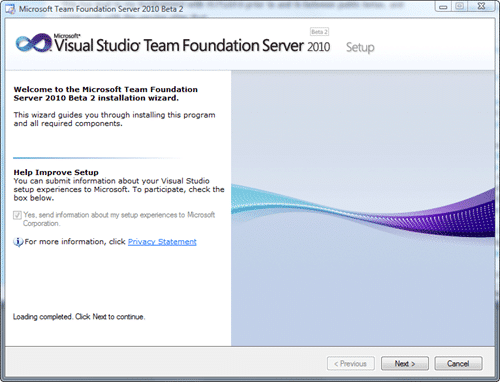
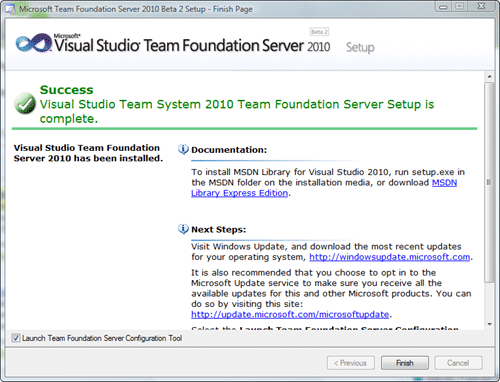
Total install time: 3 minutes (which includes the time to take these screenshots and save them)
Now that I have TFS2010 installed I will need to configure it…
Technorati Tags: CodeProject ALM Visual Studio TFS Admin VS 2010 TFS 2010
Smart Classifications
Each classification [Concepts, Categories, & Tags] was assigned using AI-powered semantic analysis and scored across relevance, depth, and alignment. Final decisions? Still human. Always traceable. Hover to see how it applies.
What to read next
Install TFS 2015 today
Step-by-step guide to installing and configuring TFS 2015, including system requirements, installation options, and setup of SQL Server and …
Detecting agile theatre with real delivery signals
Why Most Companies Operating Models Fail in Dynamic Markets
A concise comparison of Predictive and Adaptive Operating Models, explaining why traditional structures fail in dynamic markets and how …
Don’t Manage Dependencies, Remove Them
Explains why dependencies are a sign of poor system design and outlines steps to eliminate them by aligning teams, clarifying ownership, and …
The Estimation Trap: How Tracking Accuracy Undermines Trust, Flow, and Value in Software Delivery
Tracking estimation accuracy in software delivery leads to mistrust, fear, and distorted behaviours. Focus on customer value, flow, and …
Flow of Value vs Flow of Work – Misnomer or Useful Shorthand?
Compares “flow of value” and “flow of work” in Kanban, explaining why only validated outcomes count as value and stressing the need for …
Why Outsourcing DevOps Fails, and How Real Engineering Excellence Starts With Your Team
Avoid DevOps vendor lock-in, discover how true engineering excellence starts with partnership, not outsourcing. Ready to transform your …