I will need to be quick, I have a dentists appointment (arg!), but I could not leave without at least a peek at Office 2010, so Outlook being my weapon of necessity, that the choice:
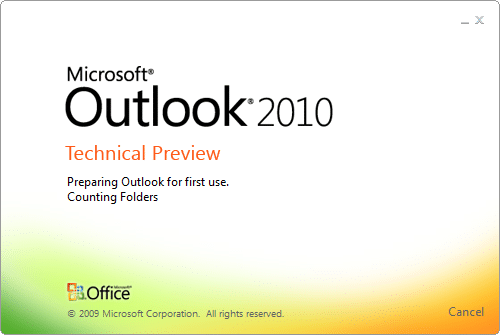
You can’s see it from a still, but those colours are dancing about, and I just caught a glimpse of the magic words “Importing user settings”… I am a happy man…
So, its smile time…
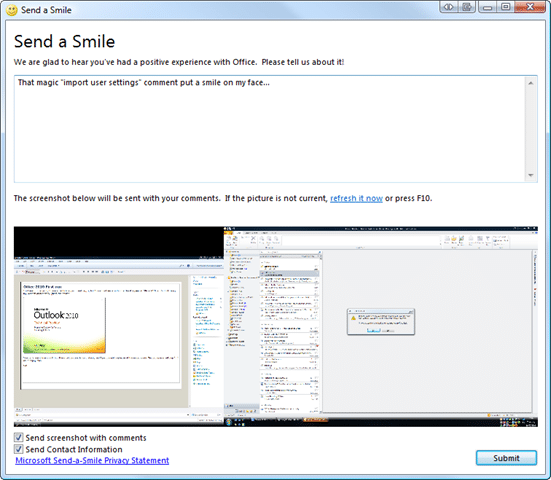
I think this form of feedback is both informal and excellent for encouraging user participation…
Usual activation…
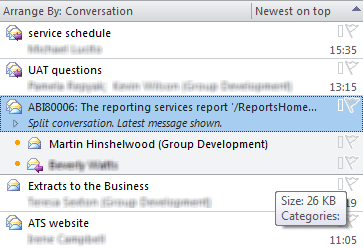
Woo, when you select an email you get a nice little tasks list, just what I wanted.

Nice… It does a little conversation stuff and from what I can see its a LOT better than Google… When will this functionality hit Live Mail I wonder…
Well, its dentist time, so that’s all I have time for… Will try to install on Windows 7 tonight…
Technorati Tags: Windows Office
What to read next
Detecting agile theatre with real delivery signals
Why Most Companies Operating Models Fail in Dynamic Markets
A concise comparison of Predictive and Adaptive Operating Models, explaining why traditional structures fail in dynamic markets and how …
Don’t Manage Dependencies, Remove Them
Explains why dependencies are a sign of poor system design and outlines steps to eliminate them by aligning teams, clarifying ownership, and …
The Estimation Trap: How Tracking Accuracy Undermines Trust, Flow, and Value in Software Delivery
Tracking estimation accuracy in software delivery leads to mistrust, fear, and distorted behaviours. Focus on customer value, flow, and …
Flow of Value vs Flow of Work – Misnomer or Useful Shorthand?
Compares “flow of value” and “flow of work” in Kanban, explaining why only validated outcomes count as value and stressing the need for …
Why Outsourcing DevOps Fails, and How Real Engineering Excellence Starts With Your Team
Avoid DevOps vendor lock-in, discover how true engineering excellence starts with partnership, not outsourcing. Ready to transform your …