I will be installing Visual Studio 2013 on Server 2012 side-by-side with Visual Studio 2012 on my development rig.
Installing and configuring Visual Studio has always been a cinch and Visual Studio 2013 is no exception. As most of you know I always run developer tools in a VM. The main reason for this is the ability to reinstall my host OS and get up and running very quickly. So for example when Windows8.1 becomes available I will not have to think twice about upgrading and just do it. I will be back up and running with Visual Studio in my VM within 15 minutes of starting the process. This level of flexibility is awesome.
In this case both Visual Studio 2012 and Visual Studio 2013 will live side by side on the same system. This has been the case for every major Visual Studio release and I know folks that have Visual Studio 2005 as well.
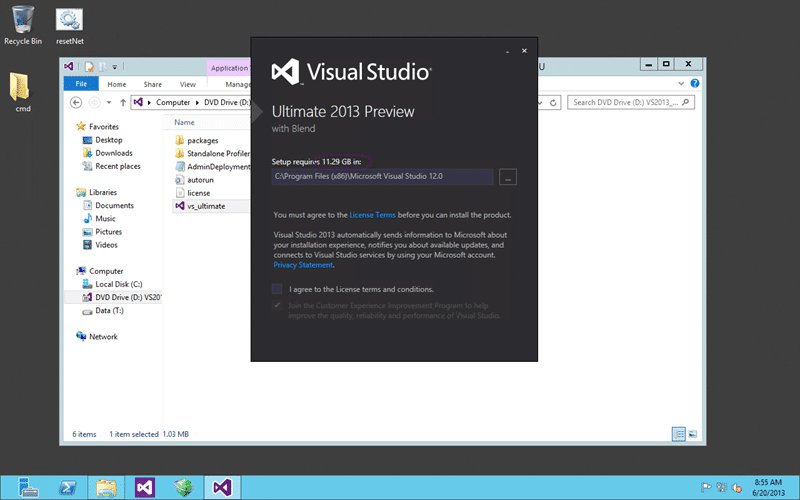
Figure: Visual Studio 2013 Ultimate install is huge
One thing I did note is that the installation requirements have jumped from 7.5GB to over 11GB for Visual Studio 2013 Ultimate. I am not sure what they are for Premium or Professional but this is fairly hefty. It is however no big deal and I am happy to give up the space for Visual Studio.
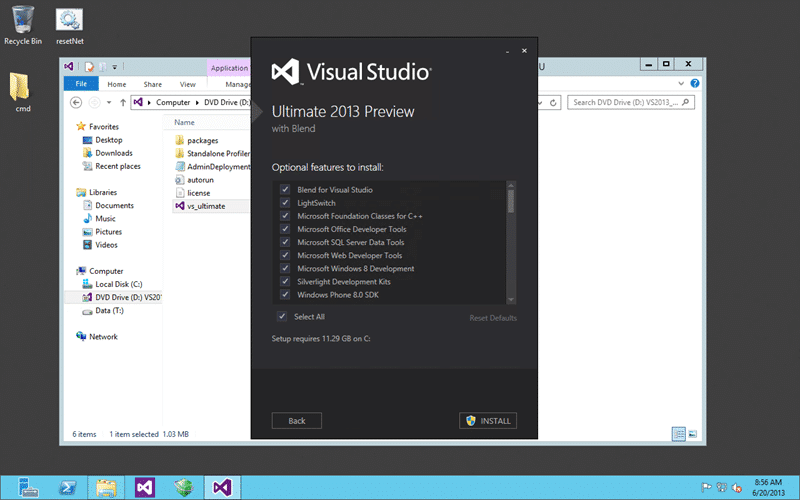
Figure: Choose what to install with Visual Studio 2013
As a rule I always install everything, which is the default. Too many times I have been hit by missing features whenever I don’t. Its up to you, but removing features does not free up that much disks space as it is the core of Visual Studio that is the largest component by far.
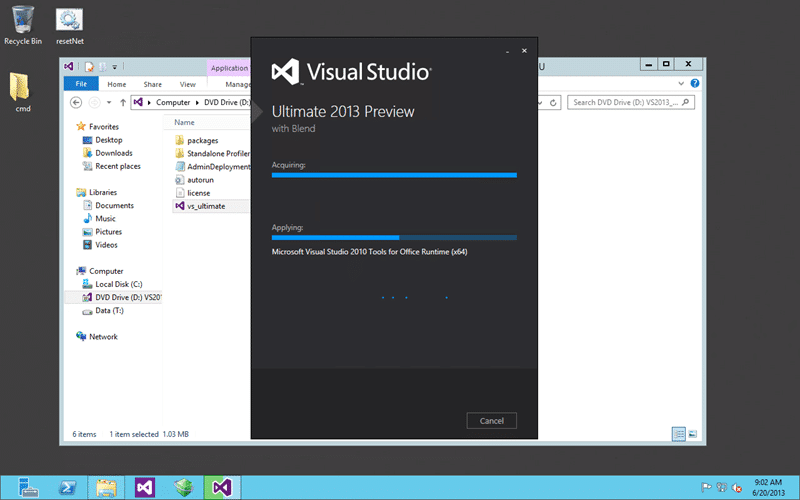
Figure: Installing Visual Studio 2013 Ultimate
The install itself will take no linger than 5-10 minutes (I am running on SSD’s) unless you have to “Acquire” the contents. I have everything downloaded in an ISO so do need to reach out to the internet for anything large.
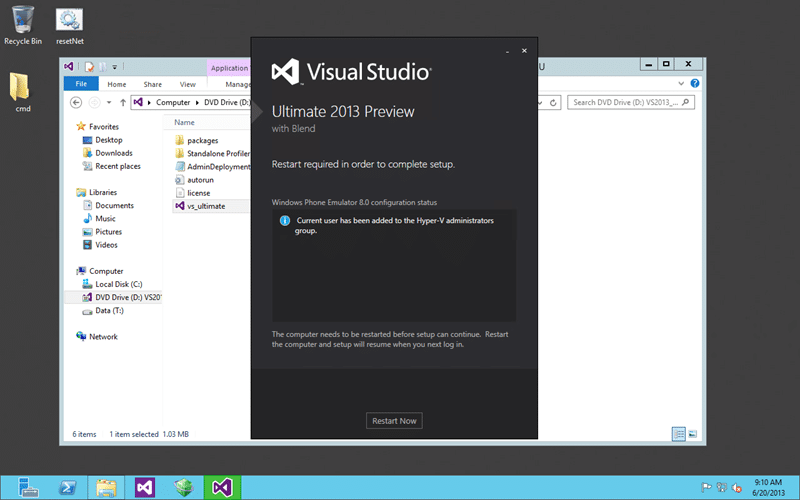
Figure: Reboot during install of Visual Studio 2013 Ultimate
There are a lot of new features under the covers and you may need to reboot, as I did, before you can complete the install.
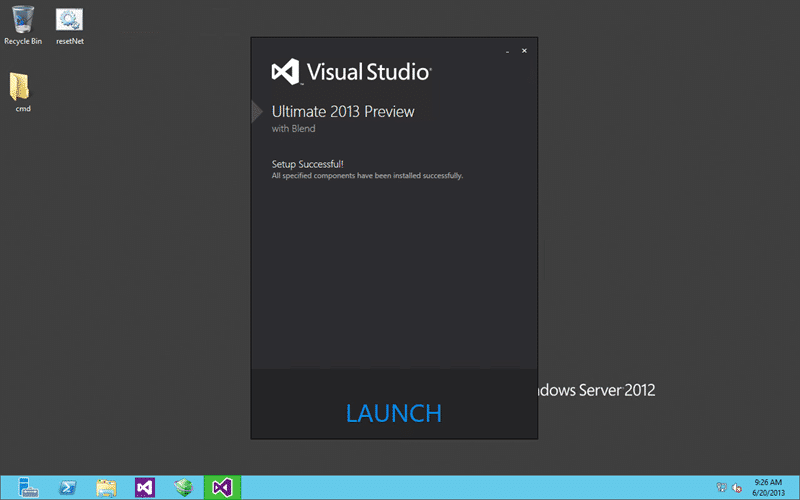
Figure: Successful installation of Visual Studio 2013 Ultimate
And that’s it… the install end to end including the reboot took less than 10 minutes and I had no errors on a box that has been around the block with preview versions of all sorts of things.
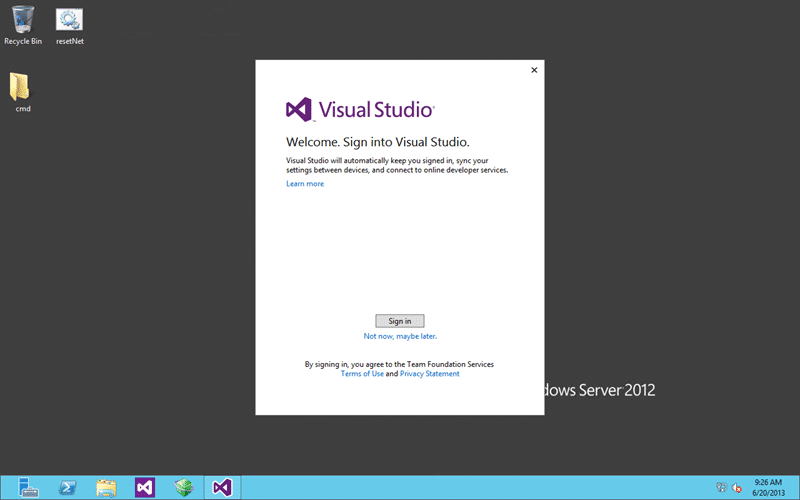
Figure: New Launch has optional Microsoft ID
As a sign of the times you can optionally log into Visual Studio 2013 with your Microsoft ID. Its not required, but I expect that for things like http://tfs.visualstudio.com it will make things simpler. You should however be aware that this will likely at some point link into the MSDN licence that you have associated with your Microsoft ID. I currently have no evidence that this is the case but it is a logical next step.
I want all of the cool integrated experiences of Visual Studio linking seamlessly to http://tfs.visualstudio.com and with my Azure account so I will be signing in.
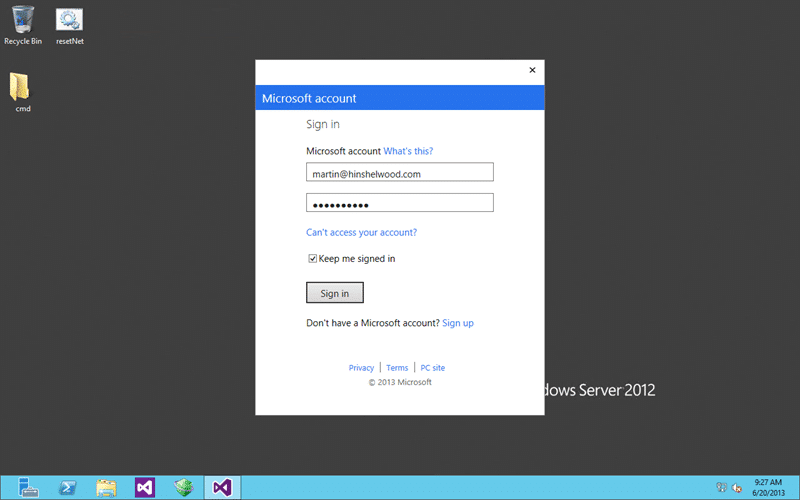
Figure: Links into normal Microsoft ID login
Not only does it just display the right stuff it worked seamlessly with two-step authentication that I have enabled. I just entered my code when prompted and away I go.
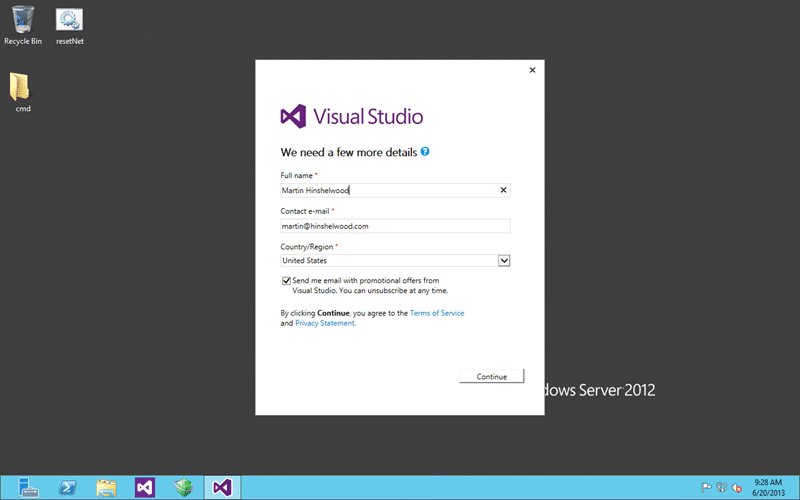
Figure: Enter your details for Visual Studio 2013
If you log in with your live credentials you will need to accept the new Terms of Service and provide a few other details.
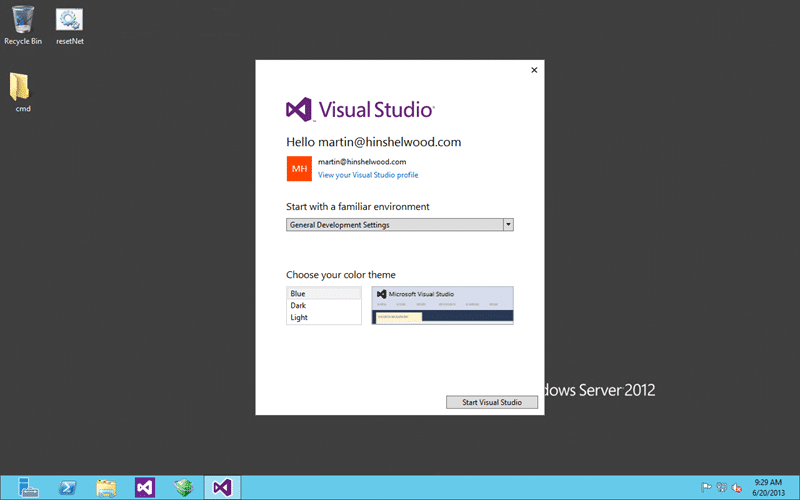
Figure: Configure Visual Studio 2013 how you like
Then all you need to do is chose your theme and development settings. Again you guys know I am a stickler for defaults and her is no exception. But you should experiment to see what you like as all of these options are available in “Tools | Options” in the IDE.
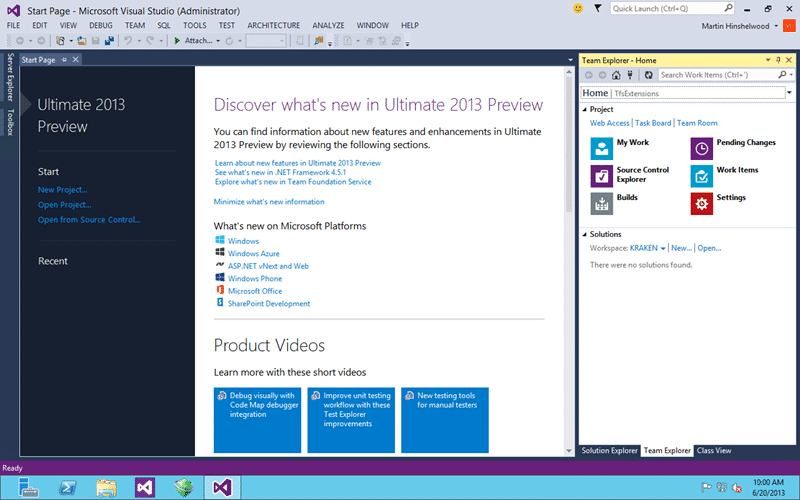
Figure: New Visual Studio 2013 UI
The new UI looks fairly clean and the new Team Explorer interaction looks a lot more intuitive. Only time will tell and I am sure that I will have lots of information for you as I use it more.
Go download it now and be a kid again…
Smart Classifications
Each classification [Concepts, Categories, & Tags] was assigned using AI-powered semantic analysis and scored across relevance, depth, and alignment. Final decisions? Still human. Always traceable. Hover to see how it applies.
What to read next
Visual Studio 2013 and TFS 2013 are released, get yours now! Oh and Windows 8.1…
Visual Studio 2013, Team Foundation Server 2013, and Windows 8.1 are now available, offering new ALM features, upgrade options, and …
Upgrading to Team Foundation Server 2013
Step-by-step guide to upgrading to Team Foundation Server 2013, including backup, installation, configuration, validation, and estimated …
What's new in Visual Studio 2013 Team Foundation Server Preview
Highlights new features in Visual Studio 2013 Team Foundation Server, including agile portfolio management, enhanced team collaboration, and …
Detecting agile theatre with real delivery signals
Why Most Companies Operating Models Fail in Dynamic Markets
A concise comparison of Predictive and Adaptive Operating Models, explaining why traditional structures fail in dynamic markets and how …
Don’t Manage Dependencies, Remove Them
Explains why dependencies are a sign of poor system design and outlines steps to eliminate them by aligning teams, clarifying ownership, and …
The Estimation Trap: How Tracking Accuracy Undermines Trust, Flow, and Value in Software Delivery
Tracking estimation accuracy in software delivery leads to mistrust, fear, and distorted behaviours. Focus on customer value, flow, and …
Flow of Value vs Flow of Work – Misnomer or Useful Shorthand?
Compares “flow of value” and “flow of work” in Kanban, explaining why only validated outcomes count as value and stressing the need for …
Why Outsourcing DevOps Fails, and How Real Engineering Excellence Starts With Your Team
Avoid DevOps vendor lock-in, discover how true engineering excellence starts with partnership, not outsourcing. Ready to transform your …